Subway Live Map for Real-Time Tracking

- 1.
What Exactly Is a Transit Map—and Why Should You Care?
- 2.
Decoding the Colorful Chaos: How to Read a Subway Map Like a Local
- 3.
Real-Time Tracking: When Your Train’s Ghosting You (And How to Catch It)
- 4.
Google Maps vs. Dedicated Apps: Which One Gives You the Truth?
- 5.
Where to Grab an Official NYC Subway Map That Actually Works
- 6.
Why Tourists Get Lost (And How a Live Map Saves Their Bacon)
- 7.
The Secret Language of Delays: What “Signal Problems” Really Means
- 8.
Offline Hacks: Can You Use a Subway Live Map Without Service?
- 9.
How Developers Keep the Subway Live Map Breathing
- 10.
Dive Deeper: Where Else Can You Explore Subway Wisdom?
Table of Contents
subway live map
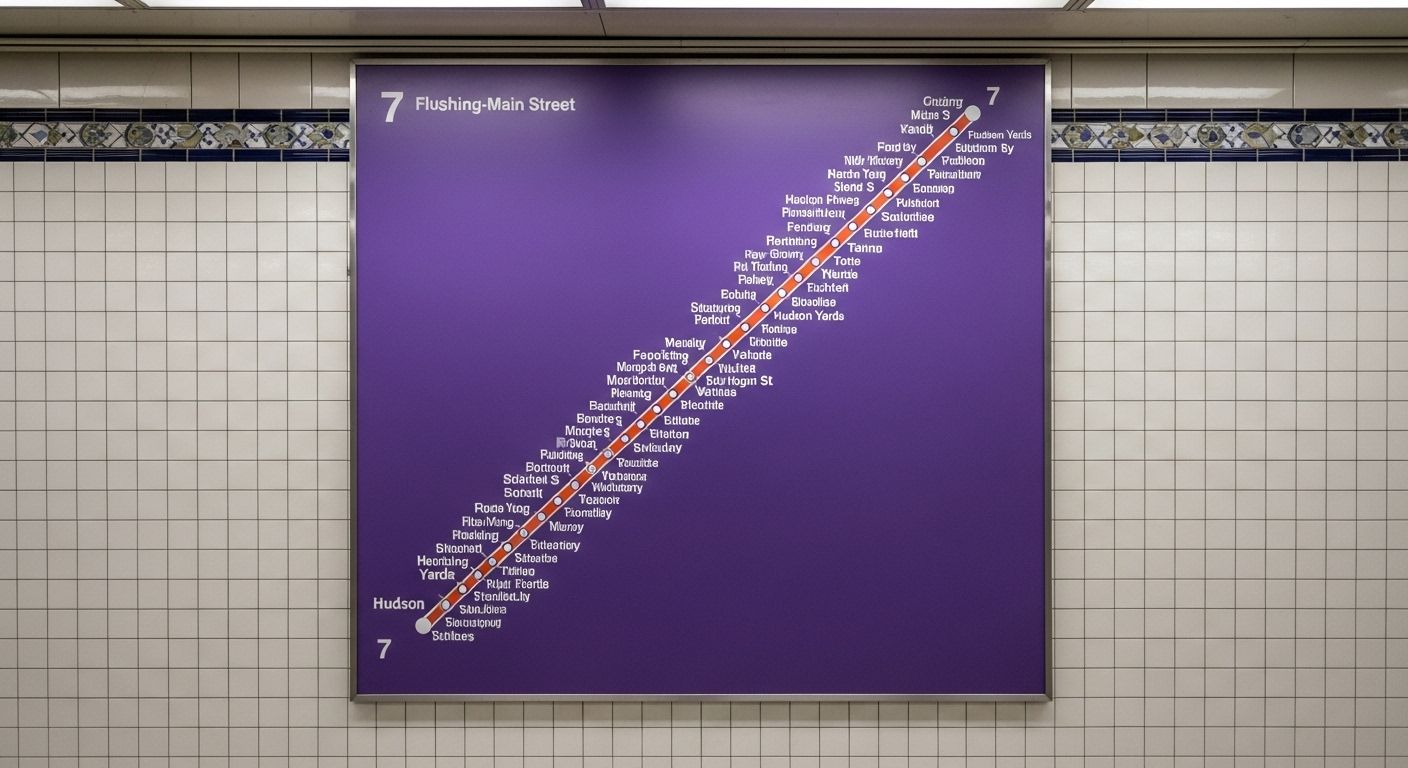
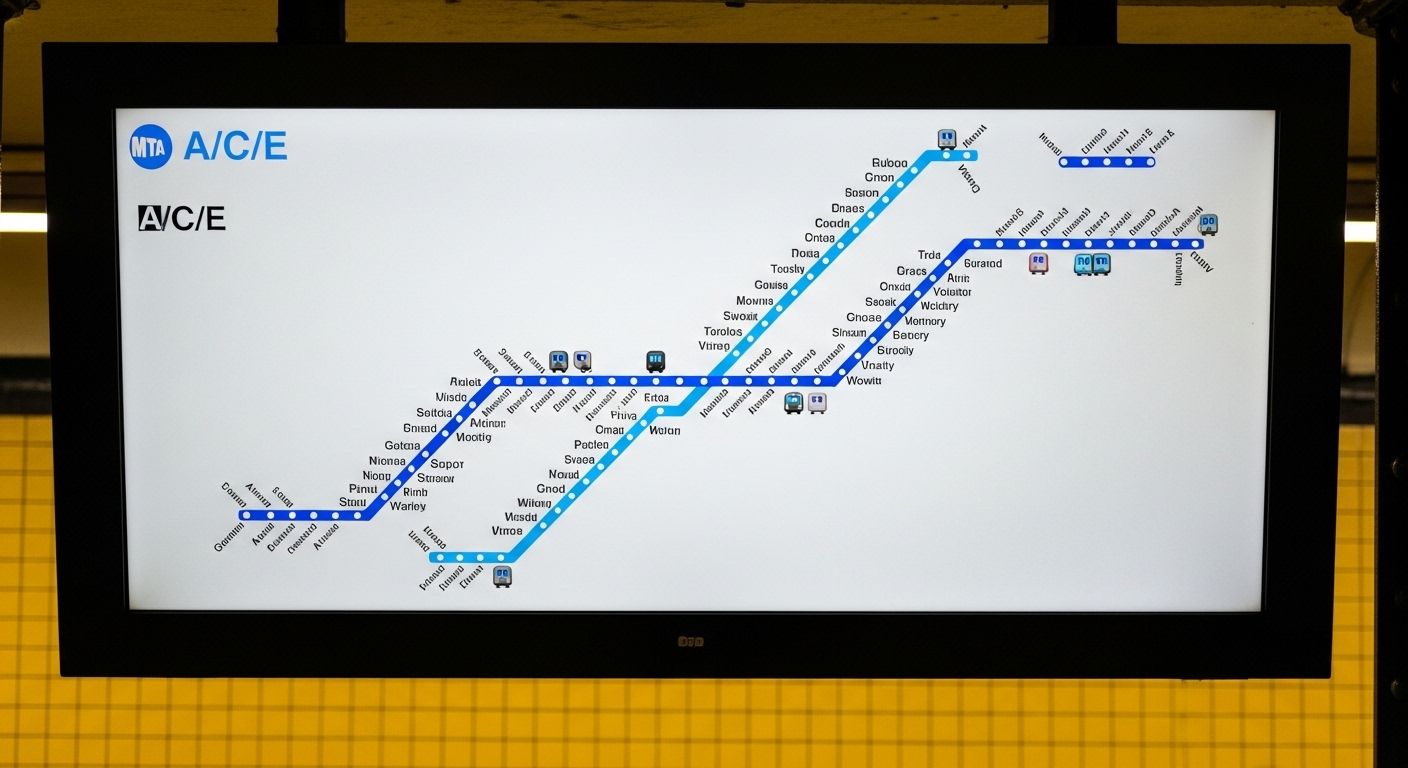
Ever tried reading a subway map like it’s your horoscope? Like, “Hmm… Mercury’s in retrograde *and* the L train’s delayed again—must be fate.” We’ve all been there, squinting at those colorful spaghetti lines while clutching a lukewarm bodega coffee, wondering if we’ll make it to that job interview or if destiny (or MTA) has other plans. But hey, what if we told ya there’s a way to see trains move in real time—like magic, but with Wi-Fi? Welcome to the wild, wonderful world of the subway live map. It ain’t just lines on paper anymore; it’s your pocket-sized oracle for urban survival.
What Exactly Is a Transit Map—and Why Should You Care?
A transit map, darlin’, ain’t your grandma’s road atlas. It’s a stylized, often abstract visual guide showing how public transport routes—especially subways—connect across a city. Unlike Google Maps, which clings to geographic accuracy like it’s clingin’ to its last shred of dignity, a transit map simplifies reality so you don’t lose your mind trying to figure out whether to transfer at Union Square or 14th Street. The beauty of a subway live map is that it takes this already-brilliant concept and injects it with real-time caffeine: you can actually watch trains crawl along the tracks like digital ants on a sugar rush. That’s not just useful—that’s borderline psychic.
Decoding the Colorful Chaos: How to Read a Subway Map Like a Local
Alright, rookie—first rule of subway club: colors mean lines, letters and numbers mean directions or branches, and those little dots? Those are your lifelines (aka stations). In NYC, for example, the 1, 2, and 3 trains all run on the same physical track downtown, but they stop at different places. A subway live map won’t just show you where they go—it’ll show you *which one’s actually moving right now*. Pro tip: ignore the geographic distance. That tiny hop from Times Square to 59th might feel like a marathon when you’re late, but on the map? It’s barely a blip. Mastering the subway live map means you stop fighting the system and start dancing with it.
Real-Time Tracking: When Your Train’s Ghosting You (And How to Catch It)
We’ve all stood on a platform, staring into the abyss of a dark tunnel, whispering, “Are you coming or what?” while checking our phones every 12 seconds. Enter the subway live map—your digital wingman in the concrete jungle. These maps pull data straight from transit agencies (shoutout to MTA’s API) and show you exactly where each train is, how delayed it is, and sometimes even why (“signal problems” = “we have no idea”). No more guessing games. If the 6 train’s stuck near Brooklyn Bridge, the subway live map will tell you before your anxiety does.
Google Maps vs. Dedicated Apps: Which One Gives You the Truth?
Look, Google Maps is great for finding vegan tacos at 2 a.m., but when it comes to real-time subway intel? It’s kinda like asking your cousin who “knows a guy” about plumbing—it’s hit or miss. Google *can* show live train status if you tap the transit icon and select a route, but it’s not always updated by the second. Meanwhile, apps like Citymapper or Transit (or even the official MTA app) feed directly off the subway live map data stream, giving you alerts like “next train in 3 min” or “skip this one—it’s turning back at 96th.” For true believers in punctuality (or panic-prevention), nothing beats a dedicated subway live map tool.
Where to Grab an Official NYC Subway Map That Actually Works
You could snag a crumpled paper map from a kiosk that’s older than your Spotify Wrapped, or—you know—go digital. The MTA’s website offers a clean, downloadable PDF of the static subway map, but if you want the *live* version? Head straight to their official site or use their MYmta app. Better yet, bookmark a third-party subway live map like SubwayTime or MTA Live Subway Map. These beauties update every 30 seconds and color-code delays so you can plan your escape like a heist movie pro. And remember: the paper map lies about distances. The subway live map? It tells hard truths with love.

Why Tourists Get Lost (And How a Live Map Saves Their Bacon)
Honey, if you think the A train goes to Coney Island because the map *looks* like it heads south—bless your heart. Geographic distortion is real, and tourists often end up in the Bronx when they wanted Brighton Beach. But here’s the kicker: a subway live map doesn’t just show routes—it shows *movement*. You can literally watch your train approach, confirm it’s going express or local, and even see if it’s skipping your stop (thanks, weekend construction). For visitors, the subway live map is less “confusing diagram” and more “GPS guardian angel with a New York accent.”
The Secret Language of Delays: What “Signal Problems” Really Means
“Signal problems.” Sounds technical, right? Nah—it’s transit-speak for “we dunno what’s wrong, but it’s definitely not our fault.” On a subway live map, these delays pop up as red or yellow segments, often with vague explanations. But savvy riders know: if multiple lines are red around the same area, it’s probably a switch failure or a track fire (yes, really). The subway live map won’t give you the full drama, but it’ll hint at the chaos so you can reroute before your brunch reservation turns into a sad solo bagel situation.
Offline Hacks: Can You Use a Subway Live Map Without Service?
Let’s be real—subway tunnels are black holes for cell service. But fear not! Many apps (looking at you, Citymapper) let you download offline maps *and* cache recent live data. So even when you’re deep underground between 14th and 23rd, your phone might still whisper, “The next 2 train arrived 4 minutes ago.” Not perfect, but better than playing subway roulette. Just remember: true subway live map magic needs signal. So if you’re heading into the abyss, check your app *before* you descend—or risk becoming a permanent resident of the platform bench.
How Developers Keep the Subway Live Map Breathing
Behind every smooth-moving dot on your subway live map is a team of nerds wrangling real-time GTFS-RT (General Transit Feed Specification – Real Time) data from agencies like the MTA. This open standard lets apps translate raw train positions into something humans can actually use—like “your train is 2 stops away and running 7 minutes late.” Some devs even layer on crowd-sourced info (“packed like sardines!”) or weather alerts. It’s not glamorous, but without these digital janitors, your subway live map would be as useful as a screen door on a submarine.
Dive Deeper: Where Else Can You Explore Subway Wisdom?
If you’re hooked on mastering the rails, don’t stop at just tracking trains. Start with the Subway Life homepage for daily urban mobility tips. Then, browse our curated Maps category for global transit guides. And if you’re planning a trip overseas, don’t miss our viral piece: SG Subway Map for Foreign Visitors. Each one’s packed with the same sass, smarts, and street-level insight you’ve come to expect—all powered by love (and a solid subway live map habit).
Frequently Asked Questions
How to read a subway map?
To read a subway map, focus on colors for lines, letters/numbers for specific services, and dots for stations. Ignore geographic scale—transit maps prioritize clarity over distance. A subway live map enhances this by showing real-time train positions, so you know not just the route, but whether your train’s actually running.
How to check live train status in Google Maps?
Open Google Maps, tap Directions, choose Transit, and enter your route. Once selected, you’ll see departure times and delay info. While not as granular as dedicated tools, Google Maps does pull some real-time data—making it a decent backup for a subway live map when you’re in a pinch.
What is a transit map?
A transit map is a simplified diagram of public transportation routes, designed for easy navigation rather than geographic precision. Modern versions often integrate live data, turning the classic static layout into a dynamic subway live map that updates in real time with train locations and service alerts.
How to get an NYC subway map?
Download the official NYC subway map as a PDF from the MTA website, or use their MYmta app for a digital version. For real-time tracking, access a subway live map via third-party platforms like Transit, Citymapper, or the MTA’s own live map portal—because paper won’t tell you your train’s ghosting you.
References
- https://www.transitwiki.org/TransitWiki/index.php/GTFS-Realtime
- https://new.mta.info/agency/press-room/press-releases/mta-launches-real-time-subway-tracking
- https://developer.google.com/maps/documentation/transit
- https://www.nycsubway.org/wiki/History_of_the_NYC_Subway_Map